Turn Any Tweet into a Video in Minutes
Paste a tweet URL, get a ready-to-post short with AI script writing, voiceover, visuals, and subtitles built in.
The Fastest Tweet to Video Workflow
Social posts disappear quickly. Flarecut helps you repurpose high-performing tweets into video in one flow, so you can scale content without editing from zero.
From Viral Tweet to Viral Video
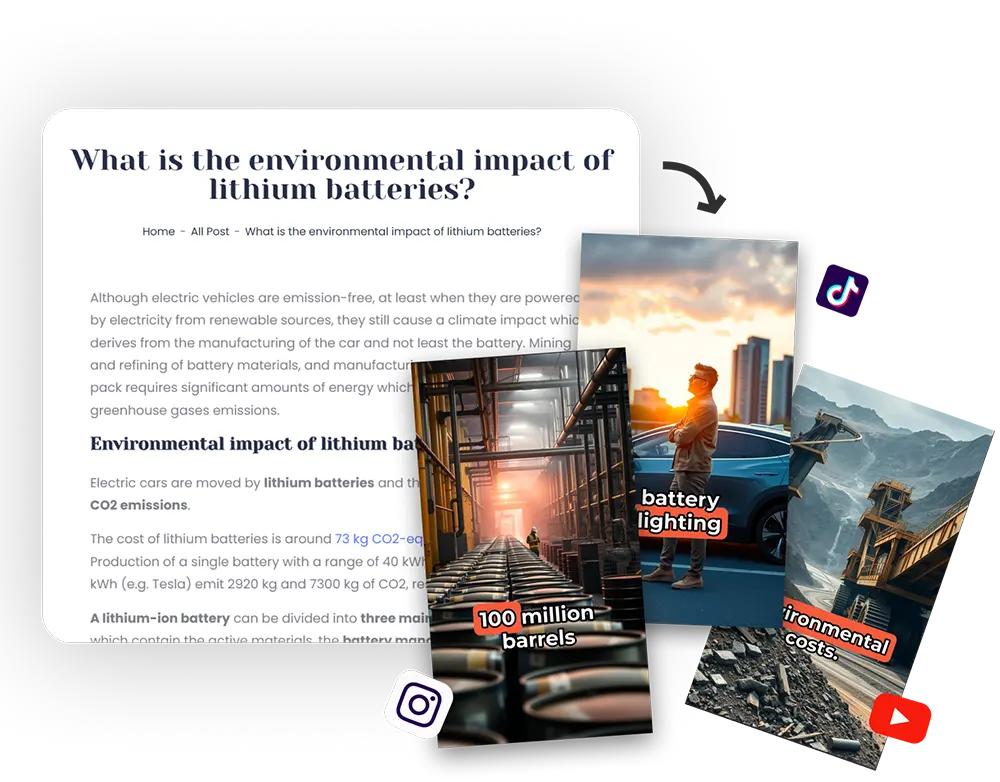
Paste the tweet link and Flarecut extracts the core message, restructures it for short-form storytelling, and prepares visuals plus narration.
This gives creators, agencies, and founders a repeatable way to convert text-based engagement into video engagement across YouTube Shorts, TikTok, and Reels.
Keep Full Creative Control
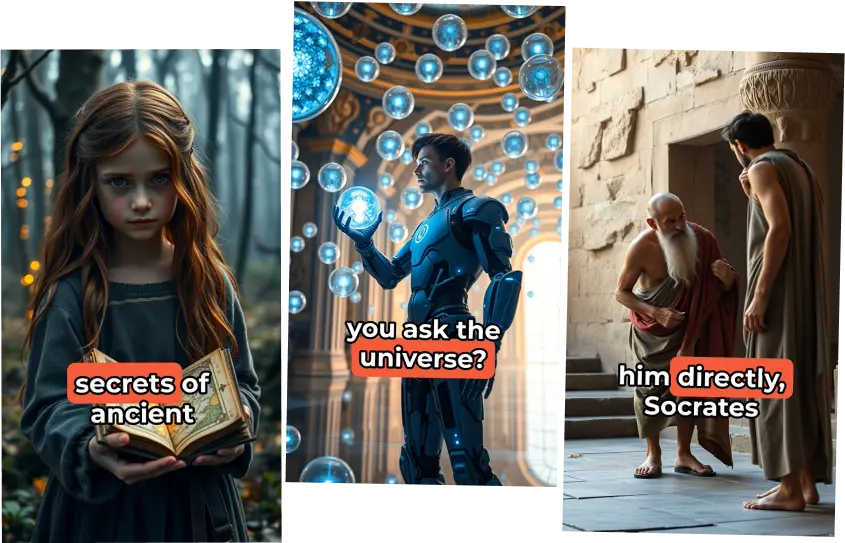
Want to tweak the generated script? Edit before rendering, pick your preferred AI voice, and ship a polished video in minutes.
You can move from tweet inspiration to publish-ready video without switching tools or rebuilding the idea manually.
Why creators use Tweet to Video AI
Converting tweet links into videos lets you multiply reach from ideas you already validated with your audience.

Reuse Winning Content
Tweets with strong engagement already proved demand. Turn those exact ideas into videos to extend performance.

Publish Faster
Skip scripting and manual editing. Paste the link and move straight to generation.

Improve Consistency
Keep posting on short-form platforms without spending hours per video.

Grow Multi-Platform Reach
One tweet can become content for Shorts, Reels, and TikTok, helping you capture more total impressions.
Natural AI voiceovers for every tweet video
Choose from expressive voices to match your brand tone and audience style.
Samples:
Tweet to Video FAQs
How does tweet to video work?
Paste a public X/Twitter status URL, click generate, and Flarecut converts the tweet content into short-form video scripts and renders your video.
Do I need video editing experience?
No. The flow is designed for non-editors. You provide the link and Flarecut handles scripting, visuals, subtitles, and voice.
Can I edit the generated script?
Yes. You can review and edit the script before rendering your final clip.
Does this work for X and Twitter links?
Yes, you can use links from either x.com or twitter.com tweet URLs.
Is there a free option?
Yes. You can try the flow for free and upgrade when you need more exports and advanced features.
Learn how to scale short-form video

AI Voice Over Youtube Monetization? Everything you need to know
Faceless YouTube channels are an increasingly popular option for creators who want to build a successful YouTube presence...
Link to Video — URLs, Articles, and Websites
When your source is a blog post, product page, or article link instead of a tweet, use our link-to-video flow to extract the story and build shorts.
Script to Video AI — Paste Any Script
After generating from a tweet, refine or expand your script, then use script-to-video AI to turn longer text into polished short-form clips.

For questions, feedback and collaborations
support@flarecut.com